WHOOP Integration Is Live: How to Connect Right Now
WHOOP Integration Unlocks Full Two-Way Data Sync Today
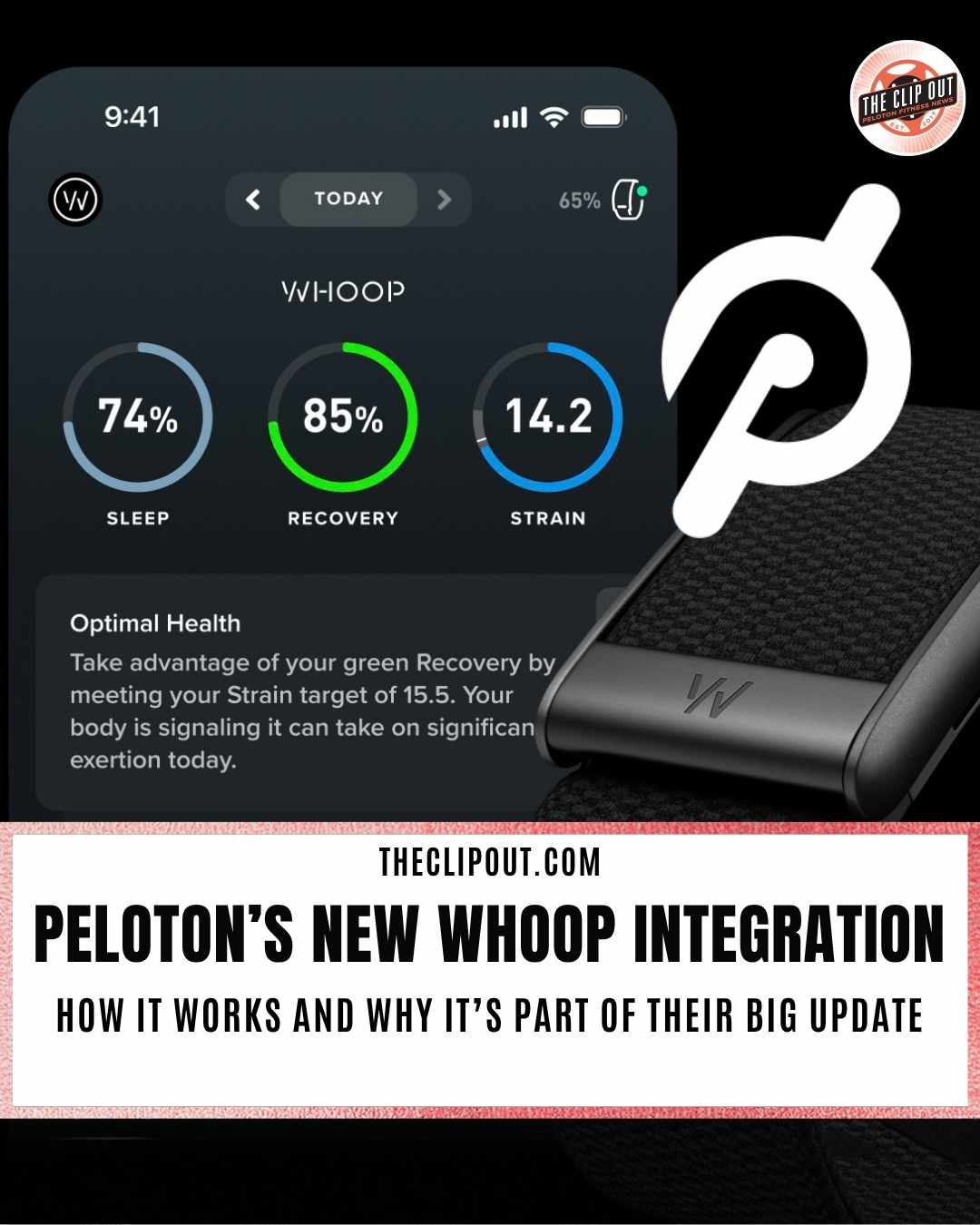
Peloton’s WHOOP integration syncs data both ways, giving WHOOP members class detail, power, and cadence alongside Strain, and giving Peloton members credit for every WHOOP-tracked workout.
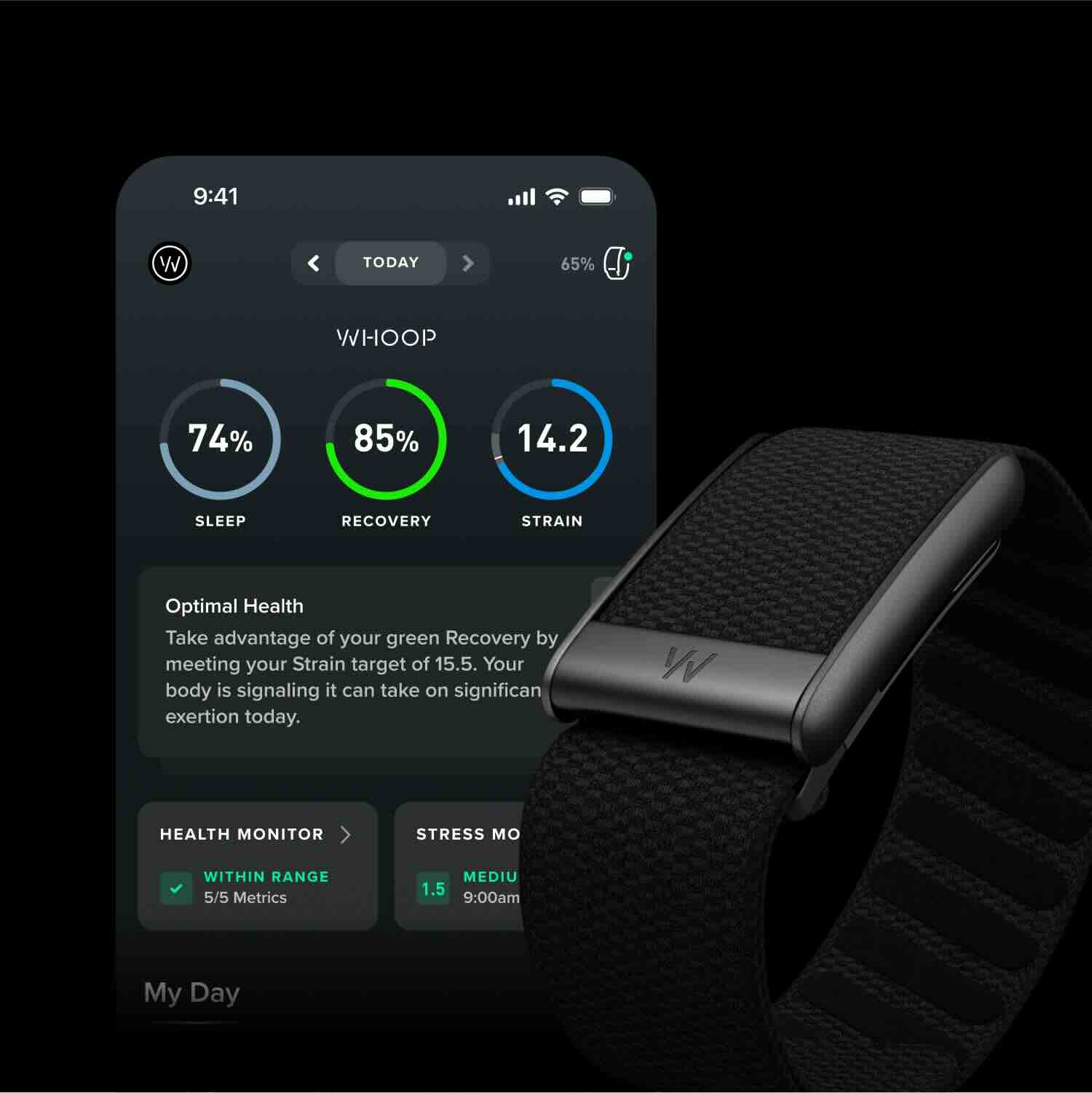
If you already wear a WHOOP, Peloton’s new WHOOP integration is worth setting up today, and the payoff is immediate. Every Peloton class you take now imports automatically into your WHOOP activity feed, carrying the class thumbnail, class name, and instructor alongside your Strain and heart rate data. For cycling classes specifically, average power in watts and average cadence in rpm show up next to that Strain score, giving you output and physiological cost on the same screen for the first time.
The WHOOP integration runs the other direction too. Runs, strength sessions, and any other workout you log on WHOOP now appear in your Peloton activity history, so your Peloton record reflects your full training week rather than only the classes you took on Peloton hardware. Neither app has a blind spot anymore.
Read WHOOP’s press release here.
How to Connect the WHOOP Integration
Setup takes a few minutes and requires no extra cost. Open the WHOOP app and go to More, then Settings, then App Settings, then Integrations. Select Peloton under the Not Connected list, tap Connect, and sign in to your Peloton account to authorize the link. Once confirmed, Peloton shows as Connected with a checkmark and your classes begin importing automatically, even when the WHOOP app is closed.
Both directions turn on by default once you connect, and you can disconnect either one at any time from the Peloton integration page inside the WHOOP app. Historical classes do not import, so the WHOOP integration starts from the moment you connect forward. If you already log a workout manually in WHOOP that overlaps a Peloton class, WHOOP keeps your manual entry rather than creating a duplicate.
What Shows Up and How It’s Categorized
Every Peloton modality maps to a corresponding activity type in WHOOP, not just cycling. Peloton cycling classes log as Spin, running as Running, rowing as Rowing, and strength or Bootcamp classes across Bike, Tread, and Row log as Functional Fitness. Circuit classes log as HIIT, and yoga, Pilates, stretching, and meditation each carry their own matching category. That range is useful for anyone who splits time between the bike, the Tread, the floor, and recovery-focused classes, since all of it now counts toward WHOOP’s picture of your training through this WHOOP integration, not just the workouts with a power meter attached.
Why This Arrives With the New Tread Lineup
Peloton’s announcement ties the WHOOP integration to the September 22 launch of three new treadmills, Tread Flex, Tread Vision, and Tread+ Vision, part of a broader push into AI-powered coaching through Peloton IQ. Peloton has framed the partnership as building on its existing Apple Health, Fitbit, and Garmin Connect integrations, consistent with a wearable strategy the company has described repeatedly as partnership-first rather than building its own device. Garmin’s connection followed a similar path, launching as a one-way sync before adding full two-way tracking earlier this year. The WHOOP integration launches with both directions already built in.
For current WHOOP members, the WHOOP integration closes a gap that used to mean two separate, incomplete training logs. For anyone considering WHOOP for the first time, this is one more reason a Peloton class and a WHOOP strap now work as a single system rather than two apps you check separately.
The Clip Out is an independent Peloton news site with reporting, analysis, and community insights. We deliver breaking updates, feature reporting, and expert context on the stories driving the community and the industry.
Our weekly podcast offers deeper conversation and perspective, and you can find us on Apple Podcasts, Spotify, iHeart, TuneIn, and YouTube Music. You can also follow us on our socials on Facebook, Threads, Instagram, BlueSky, and YouTube.
See something in the Peloton universe that you think we should know? Visit us at theclipout.com and submit a tip.
About the Author: Elizabeth Schlosberg

Latest Podcast


Subscribe
Keep up with all the Peloton news!