Peloton Personalized Plan: Update Your Cardio Focus Anytime
Peloton Personalized Plan Now Lets You Switch Cardio Focus Anytime
A new settings update gives members real-time control over their cardio preferences without waiting for a weekly reset.
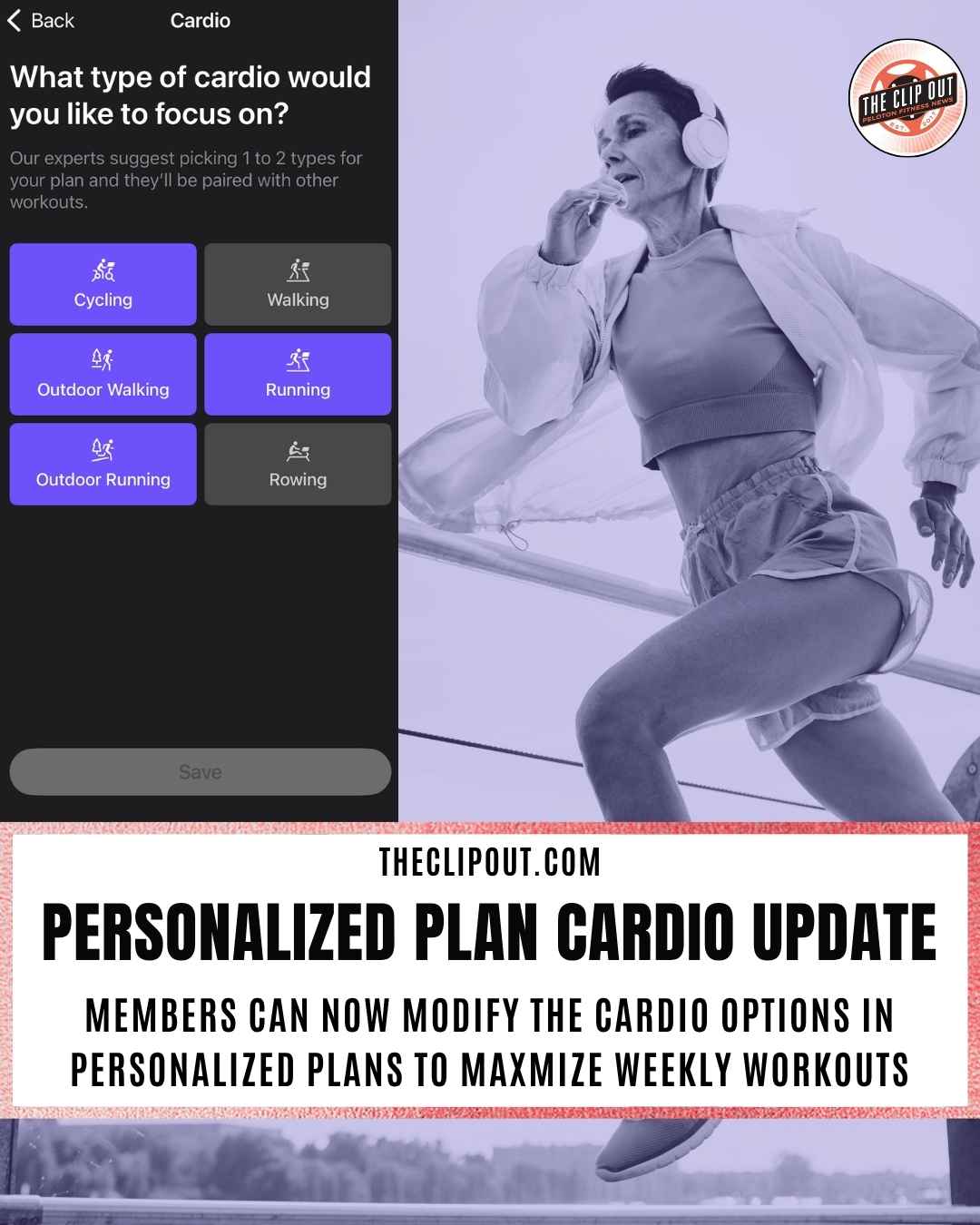
Peloton has updated its personalized plan feature to give members real-time control over their cardio preferences. Instead of being locked into a single cardio focus for the duration of a plan cycle, members can now switch between training types directly from their plan settings whenever their goals or circumstances change.
If you don’t have a Peloton personalized plan set up yet, the option to get started is available right on the home screen of your app – scroll down to find it.
What Changed
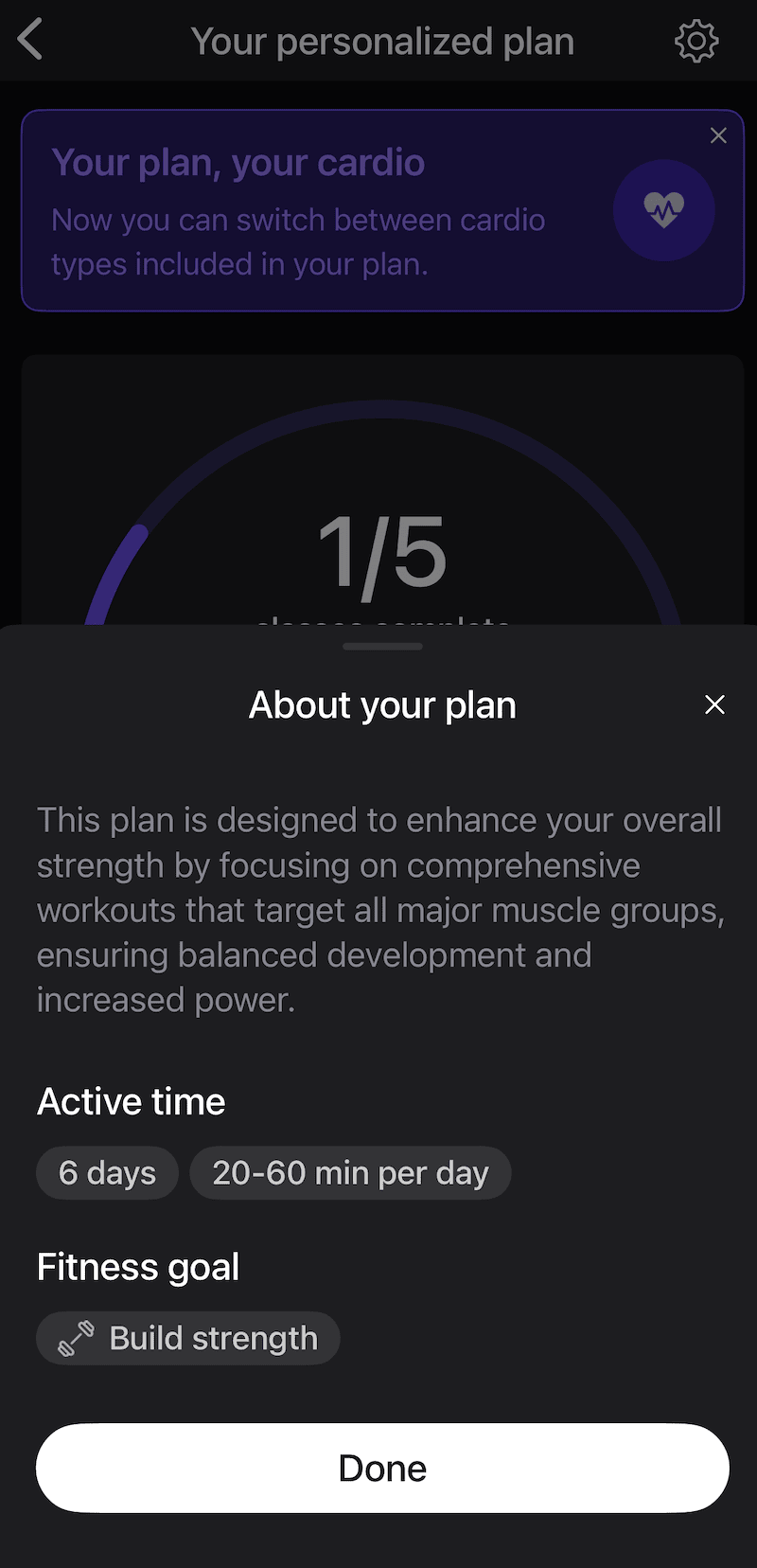
Previously, cardio preferences within the Peloton personalized plan were set during initial plan creation and offered limited flexibility after the fact. The update surfaces a new prompt inside the plan settings that reads: “Your plan, your cardio. Now you can switch between cardio types included in your plan.” That single change removes one of the more friction-heavy aspects of the feature and makes the plan easier to maintain over time.
For context on how the personalized plan works and the AI powering it, our earlier coverage breaks down how Peloton uses transformer-based machine learning to build recommendations around your history, preferences, and workout patterns.
How to Update Your Cardio Preferences
The process is straightforward. Here’s how to do it step by step:
- Open the Peloton app and navigate to your personalized plan.
- Tap the gear icon in the upper right corner to open plan settings.
- Select “Manage your plan” to see your current configuration.
- Tap the “Cardio” row to open the cardio type selector.
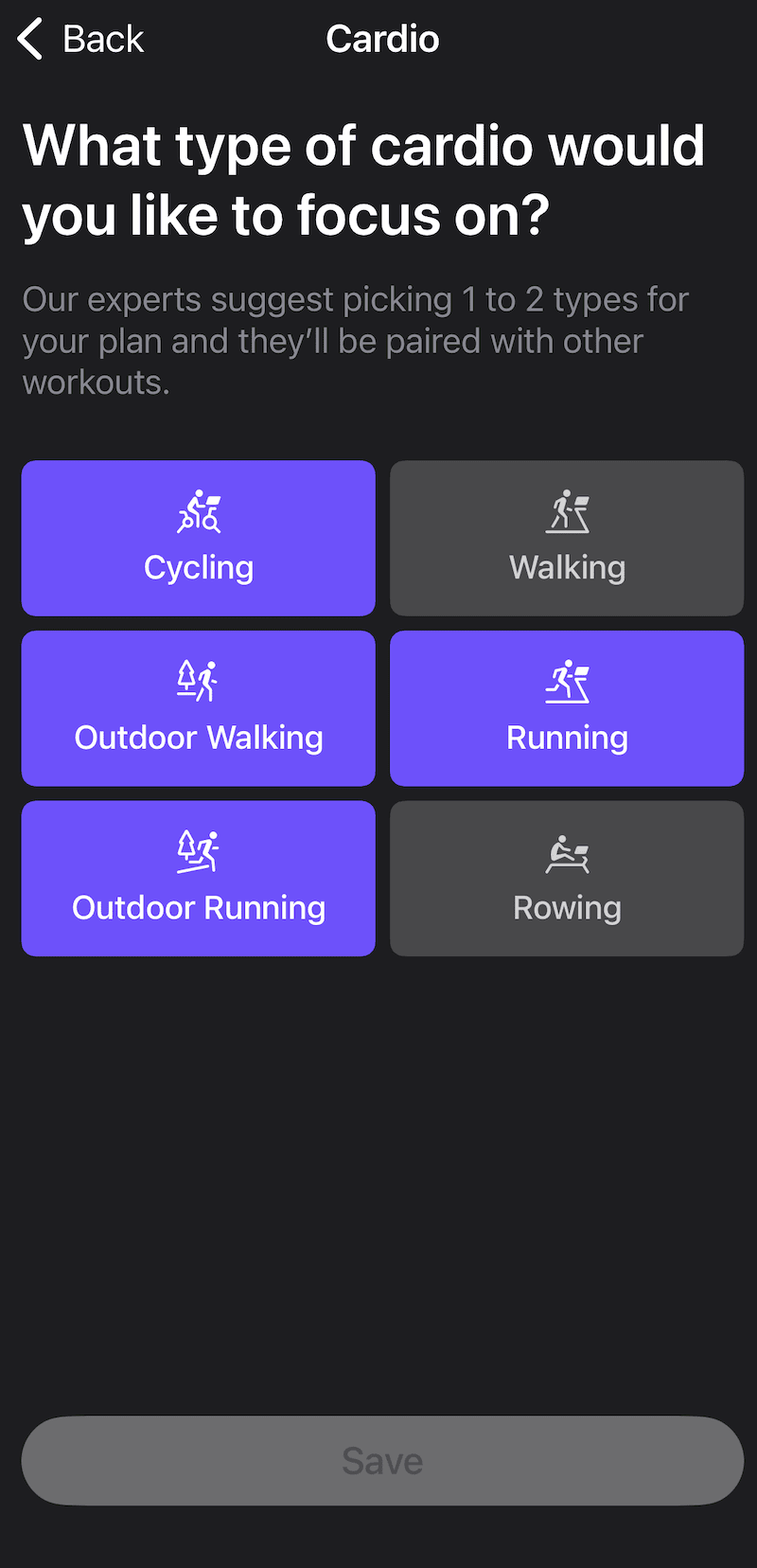
- On the next screen, you’ll see the prompt: “What type of cardio would you like to focus on?” Choose from Cycling, Walking, Outdoor Walking, Running, Outdoor Running, or Rowing.
- The app notes that experts suggest picking one to two types, which will then be paired with other workouts in your plan.
- Tap Save when you’re done.
Your updated preferences take effect immediately. No need to rebuild your plan from scratch.
What You Can Configure
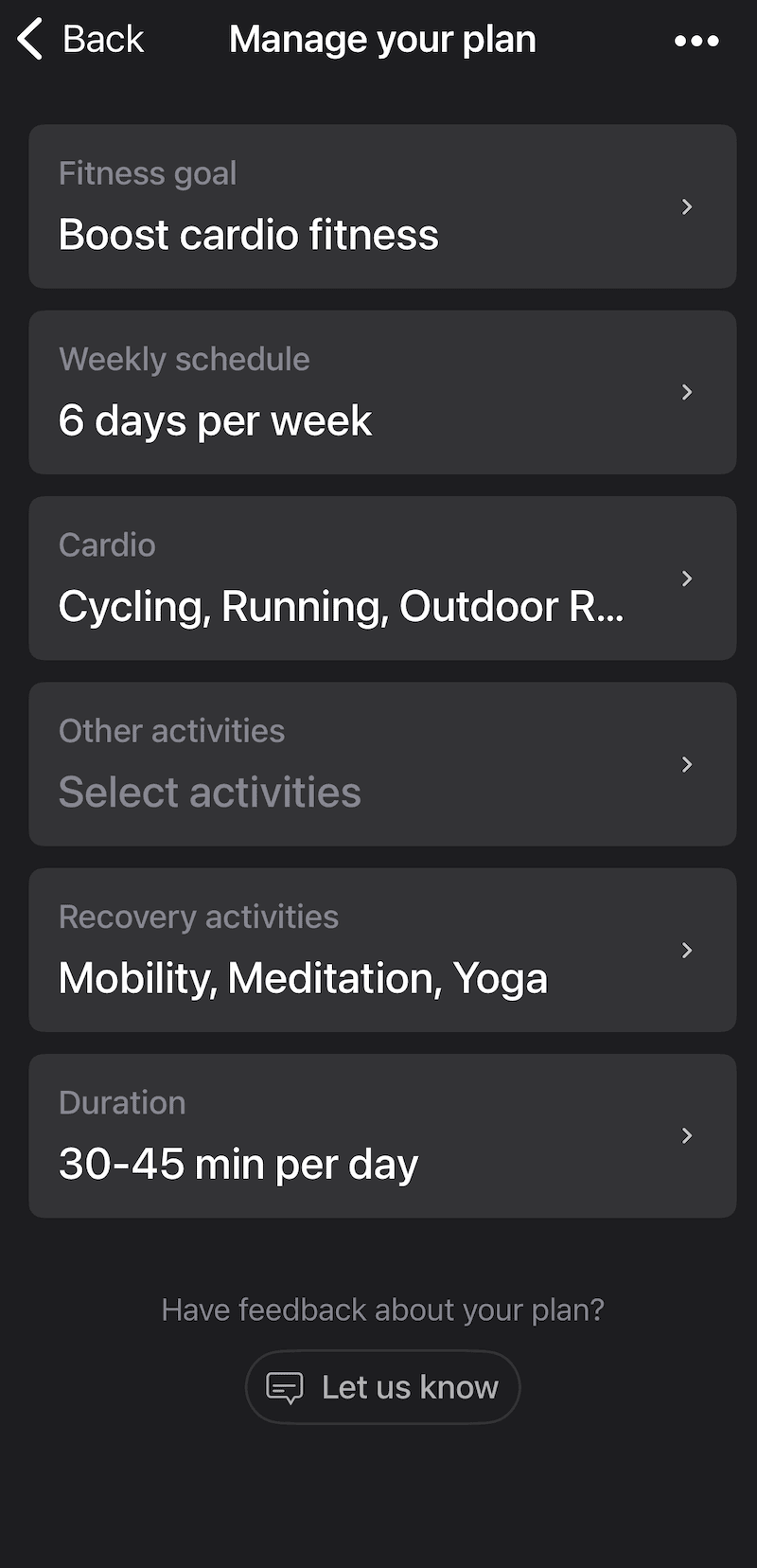
The “Manage your plan” screen gives members a clear view of every adjustable component in their Peloton personalized plan:
- Fitness goal (e.g., Boost cardio fitness, Build strength)
- Weekly schedule (number of days per week)
- Cardio (type or types of cardio to include)
- Other activities (additional disciplines beyond cardio)
- Recovery activities (options include Mobility, Meditation, and Yoga)
- Duration (daily session length, such as 30 to 45 minutes)
Each row is tappable and editable independently. Members do not need to restart or reconfigure their entire plan to change a single variable.
Why the Flexibility is Important
Training goals shift. A member focused on cycling through winter might want to pivot to outdoor running in spring. Someone ramping up for a race might shift their cardio emphasis for several weeks and then return to their standard mix afterward. Recovery from a minor injury might require temporarily removing high-impact options.
The previous structure required members to work around those changes rather than through them. This update aligns the Peloton personalized plan more closely with how real training actually works: adaptively, not rigidly.
For a deeper look at the full scope of what the personalized plan offers, including how it uses your fitness history and activity patterns to generate class recommendations, see our Peloton personalized workout plans overview and full program review.
The Clip Out is an independent Peloton news site with reporting, analysis, and community insights. We deliver breaking updates, feature reporting, and expert context on the stories driving the community and the industry.
Our weekly podcast offers deeper conversation and perspective, and you can find us on Apple Podcasts, Spotify, iHeart, TuneIn, and YouTube Music. You can also follow us on our socials on Facebook, Threads, Instagram, BlueSky, and YouTube.
See something in the Peloton universe that you think we should know? Visit us at theclipout.com and submit a tip.
About the Author: Elizabeth Schlosberg

Latest Podcast

Subscribe
Keep up with all the Peloton news!