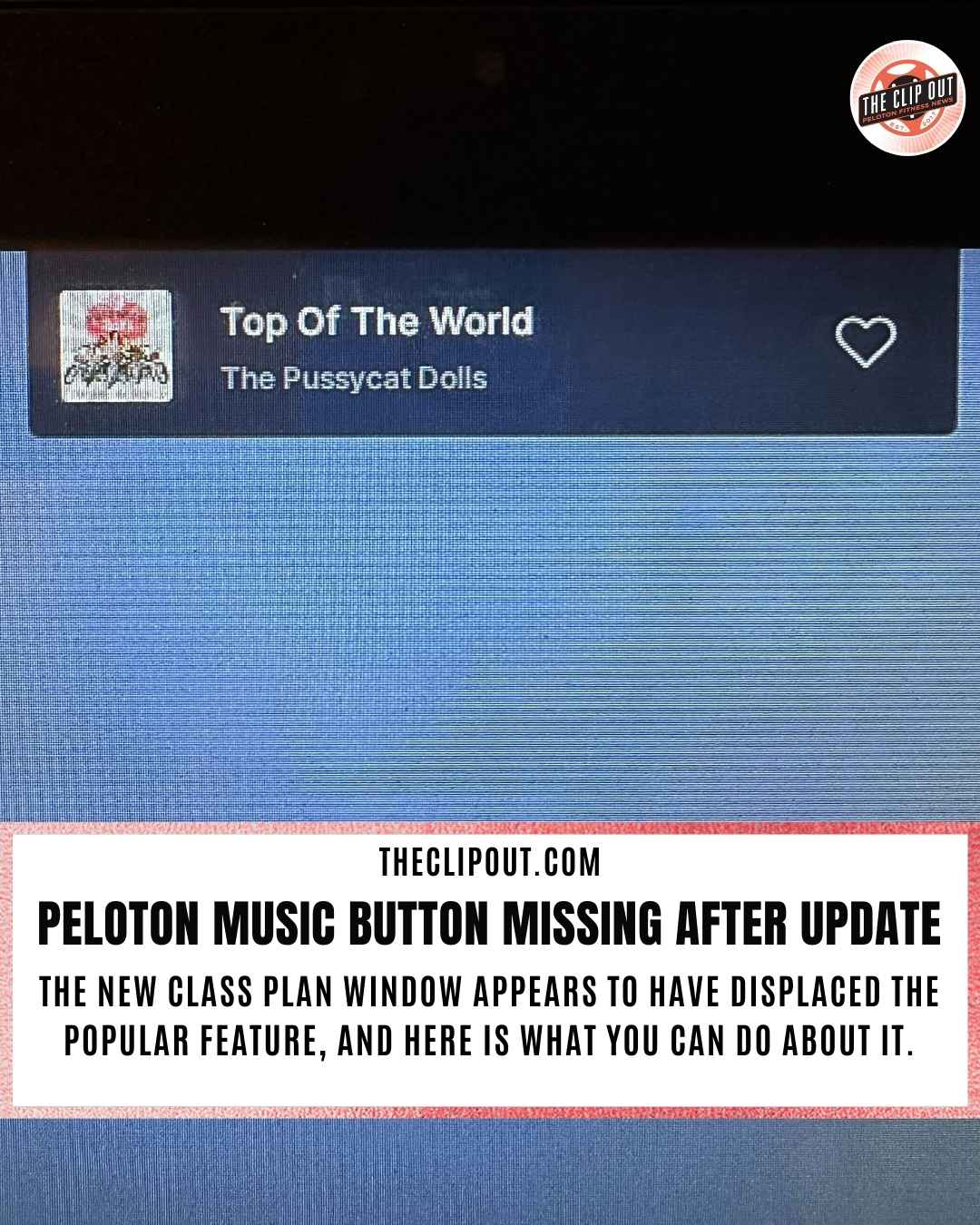
Peloton Music Button Missing After New Class Plan Update
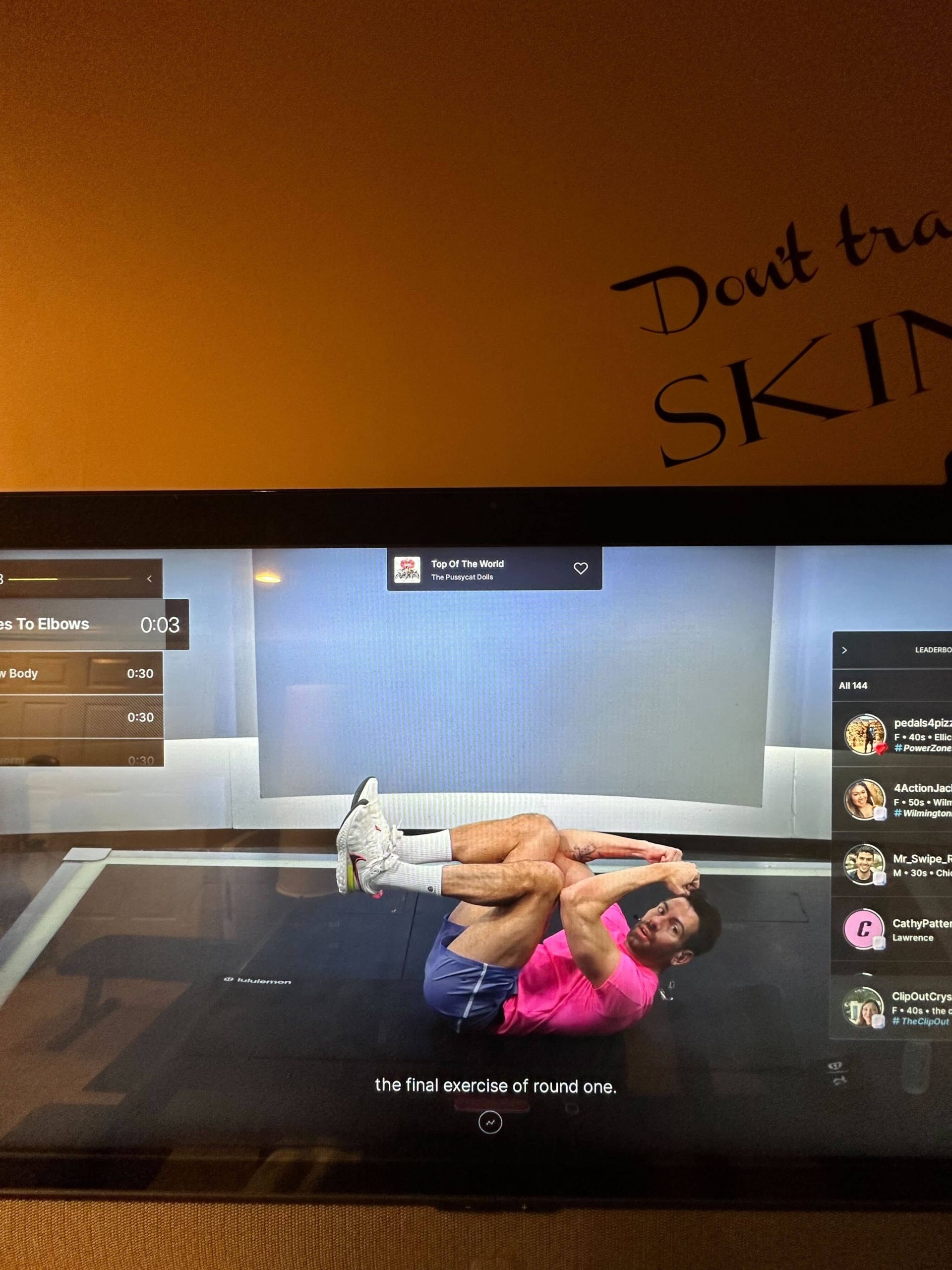
The Peloton music button appears to be missing for members who have received the new class plan feature that began rolling out this week to original Bikes, Bike+, Treads, Tread+, and Rows. The short version is that a new mini-window with the class plan now appears in the upper left corner of the screen during floor-based classes, and that window has taken over the space where the music button used to live.
What Happened to the Peloton Music Button?
Previously, members could tap the music button during class to see song information and heart or save tracks they wanted to keep. With the new class plan window now occupying that area of the screen, the music button is gone.
Instead, song information now slides down from the top of the screen for a couple of seconds when a new track begins, then slides back up and out of view. Currently, there is no option to recall the song title after it disappears. If you catch it while it is visible, you can still heart or save the song as usual. But if you miss it during that brief window, the song information is simply gone from view for the remainder of the track. If you aren’t close to your equipment or are in the middle of a lift, for example, this obviously presents a bit of a problem.
The only way to find a song you missed would be to pull up the class information and search through the full class playlist after the fact. For members who enjoy discovering new music through Peloton classes and saving tracks in the moment, this is a notable change to the experience.
A Small Change With a Real Impact
The music button has long been one of the more popular features on the Peloton platform. Many members use it not just to save songs they love, but to stay connected to the energy of a class by knowing exactly what is playing. The ability to interact with music in real time is part of what makes the Peloton experience feel immersive, and the disappearance of that on-demand access is something members are already noticing.
It is worth noting that the class plan feature itself is a genuinely welcome addition, with many members enthusiastically praising it’s addition. And, we’d like to believe that the loss of the Peloton music button isn’t an intentional trade-off so much as an oversight in the rollout. And “oops!,” if you will.
How to Tell Peloton You Want the Music Button Back
If the missing Peloton music button is something that affects your workout experience, the best thing you can do is make sure Peloton hears about it directly. Peloton has a Member Request Form designed specifically for members to flag features they want added, restored, or improved.
We encourage every member who relies on the music button to take a moment and fill it out. The more members who submit feedback, the more clearly Peloton can see that this is not a small issue. Feature decisions are often shaped by member input, and a high volume of requests for the music button’s return is the most effective way to make the case.
You can submit feedback through Peloton’s Member Request Form at support.onepeloton.com.
You can also let them know your thoughts via their social media channels on Instagram and Facebook.
What to Do in the Meantime
Until the Peloton music button is restored, here are a few ways to work around the change:
- Keep an eye on the top of the screen at the start of each new track so you can catch the song title while it is visible and heart it in the moment
- After class, pull up the class detail page to view the full playlist and find any songs you missed
- Check the Peloton app, where class playlists are available and tracks can be saved
We will report back if Peloton issues an update or addresses the missing music button. In the meantime, let your voice be heard through the Member Request Form.
The Clip Out is an independent Peloton news site with reporting, analysis, and community insights. We deliver breaking updates, feature reporting, and expert context on the stories driving the community and the industry.
Our weekly podcast offers deeper conversation and perspective, and you can find us on Apple Podcasts, Spotify, iHeart, TuneIn, and YouTube Music. You can also follow us on our socials on Facebook, Threads, Instagram, BlueSky, and YouTube.
See something in the Peloton universe that you think we should know? Visit us at theclipout.com and submit a tip.
About the Author: Nikki Smith



Subscribe
Keep up with all the Peloton news!