
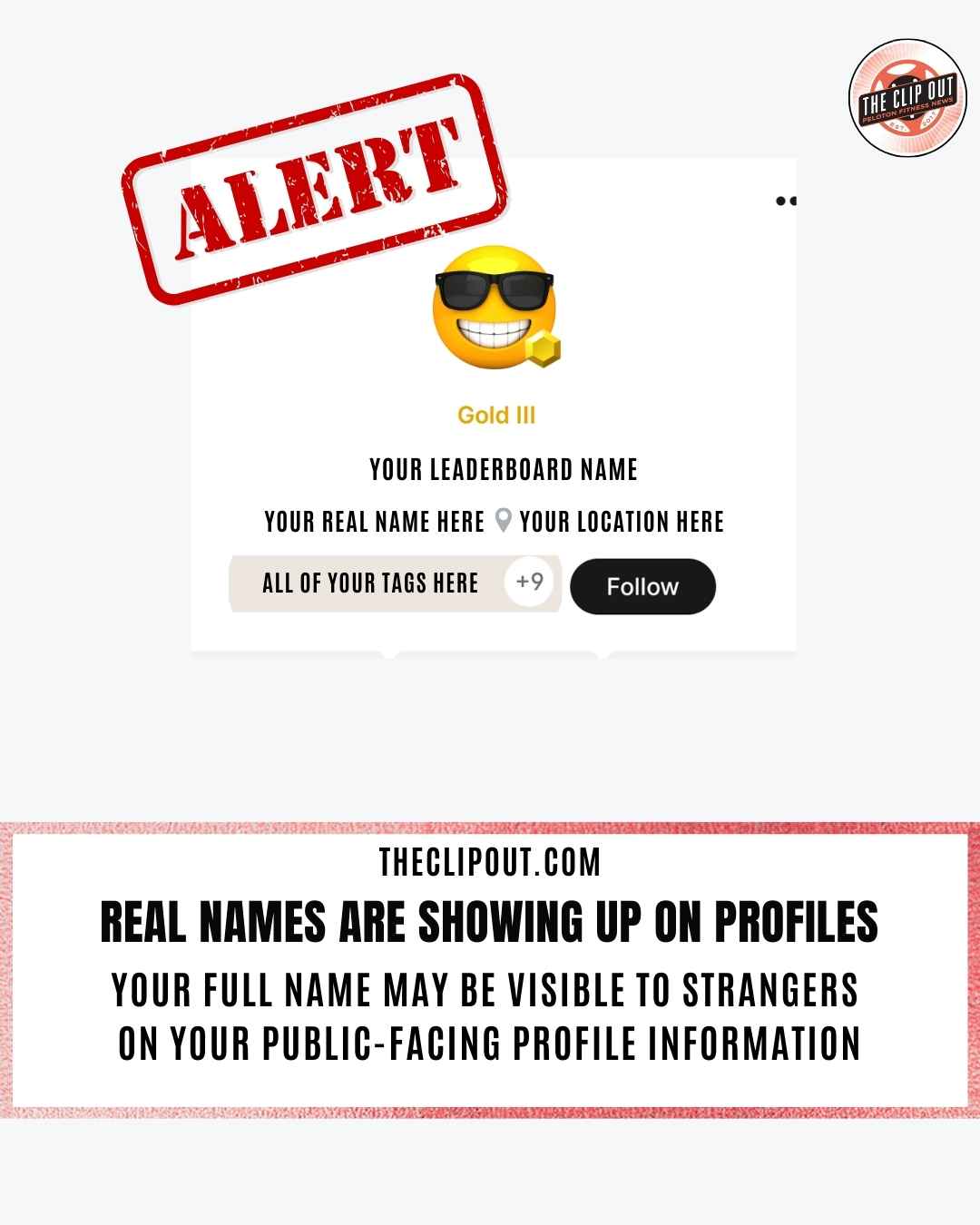
Alert Peloton Leaderboard Real Names Are Now Public: What Every Member Needs to Know
If you’ve hopped on your Peloton recently and noticed something different when you’re looking at your profile, are searching for new friends, or are navigating your way around the Teams social feature, you’re not imagining it: Peloton leaderboard real names are now appearing publicly beneath members’ leaderboard names on their profiles.
According to multiple reports surfacing in the Peloton community, Peloton appears to have quietly rolled out a change that displays whatever name is listed in a member’s profile settings directly below their leaderboard name on their profile. The kicker? This appears to be an opt-out feature, not opt-in, meaning your real name may already be on display without you ever agreeing to it.
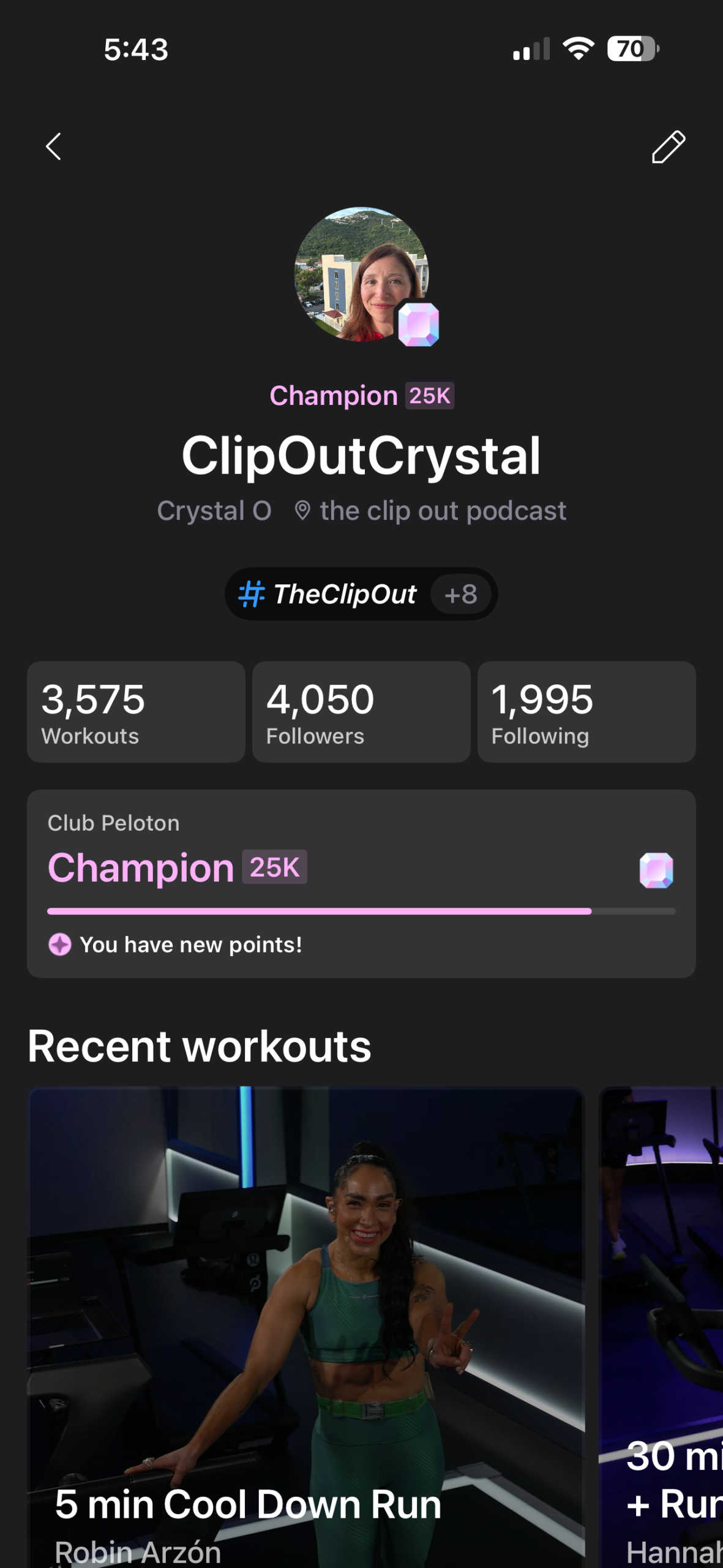
What you were seeing before the change
What’s Actually Showing Up?
Any member who searches your leaderboard name, or simply taps your photo in the Teams social feature, can now see the first and last name listed in your Peloton profile. That one tap expands your profile information to anyone who’s curious enough to look. That might not sound like a big deal at first glance, but when you consider everything else that lives on a Peloton profile, the privacy implications become much clearer.
A visible real name, combined with other profile information, can expose:
- Your full name
- Your location
- Your age and gender
- Your social connections, including who among the people you follow also follows the person being viewed, which can reveal real-world relationships you may not want made public
- Your hashtags, which may reveal personal interests, group memberships, health conditions, or communities you belong to
In other words, a stranger taking a class alongside you could make note of your leaderboard name and potentially piece together a surprisingly detailed picture of who you are, all from information you may have assumed was semi-private.
The social connection detail is worth paying particular attention to. If someone opens a profile and can see that people you follow also follow that person, it becomes possible to map out real-world relationships and social circles in ways that go well beyond what most members ever intended to share.
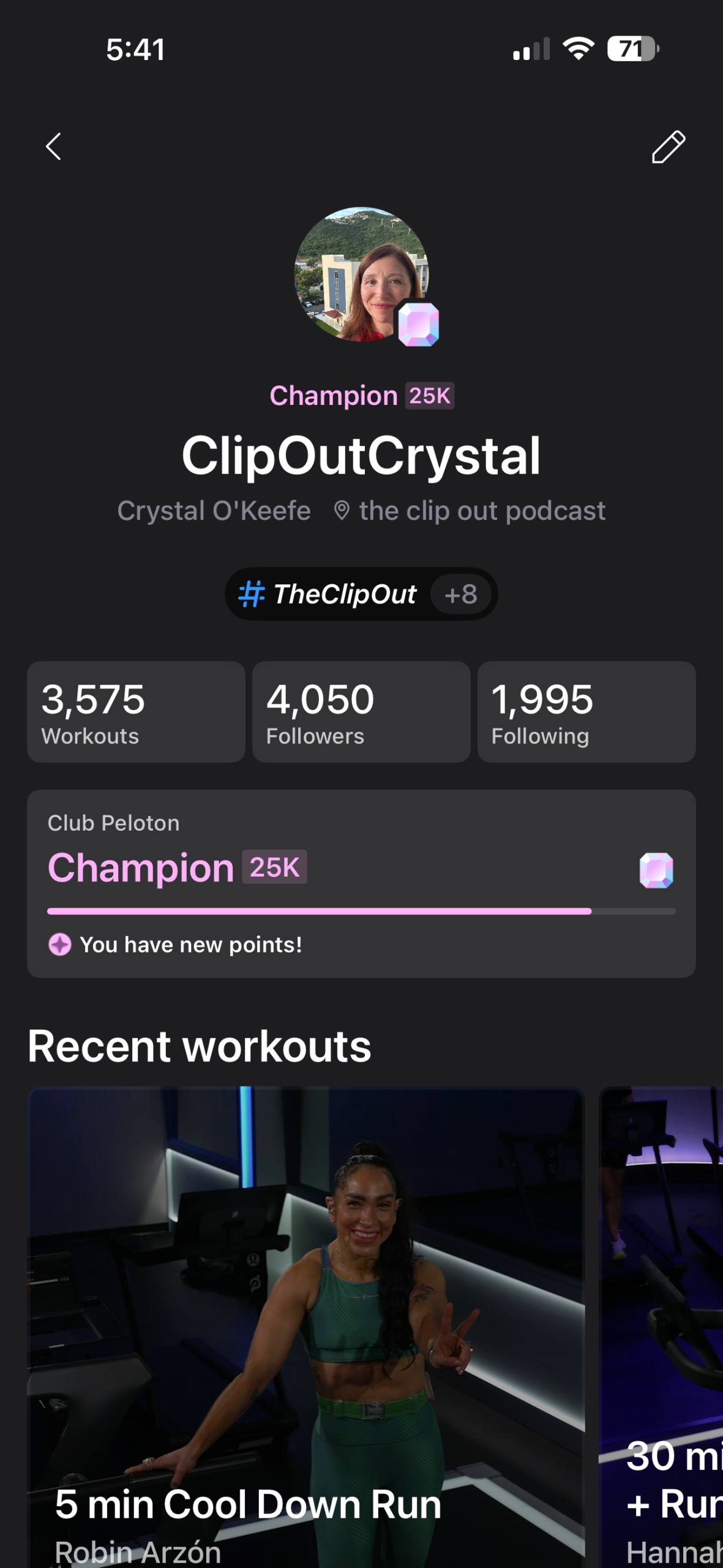
What you are seeing now
How Are Members Reacting?
The reaction in the Peloton community has been largely negative. Many members feel blindsided by the change, particularly because it was rolled out as an opt-out feature rather than giving members a heads up and the ability to change their publicly shared information proactively. Privacy-conscious members, those who joined with leaderboard names specifically to maintain some level of anonymity, are especially frustrated.
That said, a small number of members say they are unbothered and even welcome the change. For some, seeing real names adds a sense of human connection to the Peloton experience, making rides feel more personal and community-driven.
But for the majority, the concern is clear: this wasn’t their choice to make, and they weren’t notified.
Peloton Leaderboard Real Names and Your Privacy
Peloton has always been a space where members could show up as whoever they wanted to be. Many members intentionally chose playful, anonymous, or nickname-based leaderboard names to keep their workouts separate from their real-world identity. The introduction of real names attached to public-facing profiles changes that dynamic significantly.
This is especially relevant for members who:
- Work in fields where personal privacy is important
- Have chosen to keep their fitness journey private from people they know
- Are concerned about being identifiable to strangers online
- Use hashtags that reflect sensitive personal information
What You Should Do Right Now
Until Peloton provides an official opt-out toggle or reverses the change, here’s how to protect your privacy and keep your Peloton Leaderboard real name hidden:
Step 1: Go to your Peloton profile settings. Log in to your account and navigate to your profile. Check what name is currently listed there.
Step 2: Change or remove your name. If you do not want your real name visible on the leaderboard, update that field. You can replace it with a nickname, your leaderboard name, initials, or simply remove it altogether.
Step 3: Do a full privacy check. While you’re in your settings, take a few minutes to review everything else on your profile. Check your location settings, your hashtags, your profile photo, and any other personal details. Make sure everything you want kept private is, in fact, not publicly visible.
Step 4: Stay tuned. This situation is still developing. It’s worth keeping an eye on official communications from Peloton and community discussions for any updates, including whether a formal opt-out option becomes available.
What Next?
Peloton has built one of the most passionate fitness communities in the world, and that community deserves transparency when it comes to changes that affect their personal privacy, especially when their Peloton leaderboard real names become visible with no warning. Whether this was an oversight or an intentional rollout, members deserve to know about it and to have a clear, easy way to control what information is shared about them.
For now, the most important thing you can do is check your profile today. Don’t wait to find out your name has been visible to thousands of strangers during every class you’ve taken this week.
Your privacy is worth five minutes of your time.
The Clip Out is an independent Peloton news site with reporting, analysis, and community insights. We deliver breaking updates, feature reporting, and expert context on the stories driving the community and the industry.
Our weekly podcast offers deeper conversation and perspective, and you can find us on Apple Podcasts, Spotify, iHeart, TuneIn, and YouTube Music. You can also follow us on our socials on Facebook, Threads, Instagram, BlueSky, and YouTube.
See something in the Peloton universe that you think we should know? Visit us at theclipout.com and submit a tip.
About the Author: Nikki Smith

Latest Podcast





Subscribe
Keep up with all the Peloton news!