
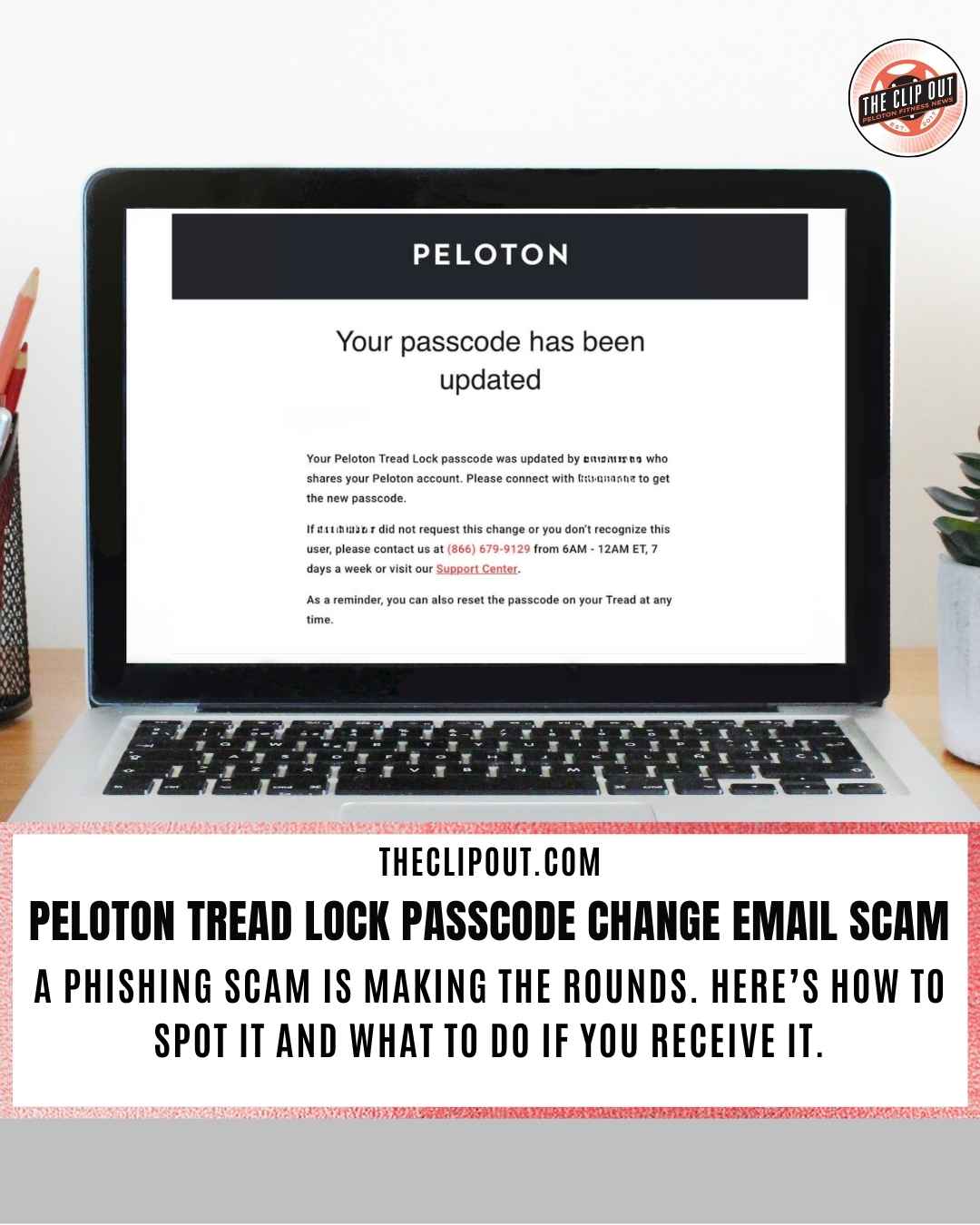
Stay Alert: Don’t Fall for the Peloton Tread Lock Passcode Change Email Scam
A Peloton Tread Lock passcode change email scam is currently making the rounds, targeting members with convincing-looking security notifications. Several Peloton community members have reported receiving emails that claim their Tread Lock passcode has been updated, even when they haven’t touched their settings. While Peloton does use a four-digit Tread Lock passcode as a safety feature for its treadmills, these particular emails are a clever phishing attempt designed to steal your login credentials.
How the Peloton Tread Lock Passcode Change Email Scam Works
Scammers are banking on the “Tread Lock” feature being a familiar part of your daily workout routine. The email typically alerts you that your passcode has been changed and provides a button or link to “Review Your Account” if you did not authorize the update.
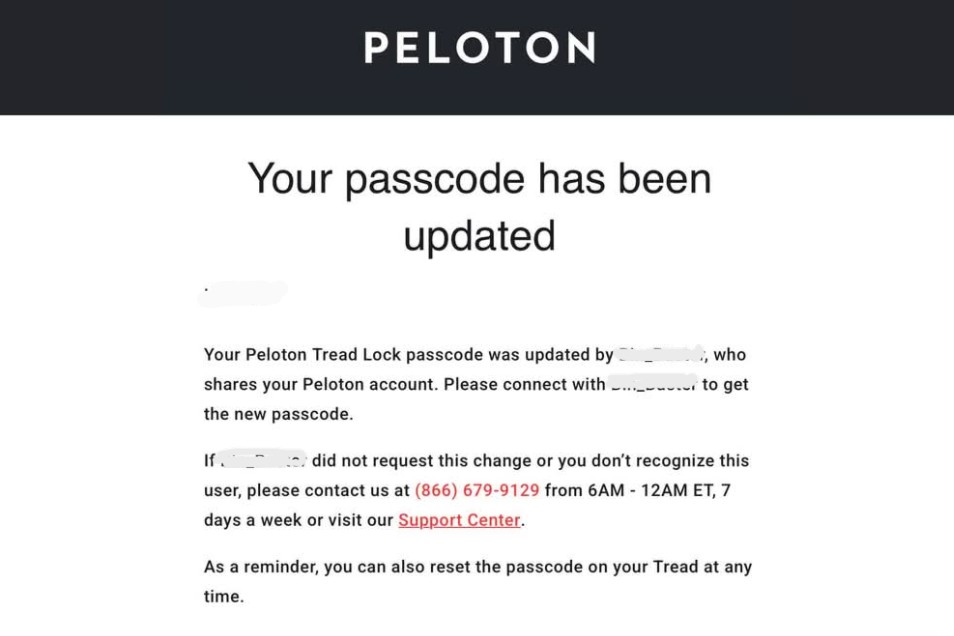
Because many members have experienced legitimate software bugs in the past, a “security alert” like this can seem plausible. However, clicking the link in these fraudulent emails leads to a fake login page where bad actors can harvest your username and password.
Identifying the Phishing Attempt
To protect yourself from the Peloton Tread Lock passcode change email scam, keep an eye out for these common red flags:
-
Suspicious Sender Address: Legitimate Peloton emails typically come from addresses ending in
@onepeloton.comor@mail.op.onepeloton.com. If the sender address is “Peloton DEV” or a string of random characters, it is likely a scam. -
Urgent or Alarmist Language: Phishing attempts often use high-pressure tactics to make you act quickly without thinking.
-
Mismatched Links: Before clicking any button, hover your mouse over it to see the actual URL. If it doesn’t lead directly to
onepeloton.com, do not click it. -
Generic Greetings: While some scams use your name, many use generic openers like “Dear Member” or “Hi there”.
What to Do as a Member
If you receive a notification about the Peloton Tread Lock passcode change email scam, the safest course of action is to go directly to the source.
-
Check the App Directly: Instead of clicking an email link, open your Peloton app or log in to your account through the official website.
-
Verify Your Tread Settings: You can manage or reset your actual passcode directly on your Tread touchscreen by navigating to the “More” menu and selecting “Tread Lock”.
-
Report the Email: You can help the community by reporting the phishing attempt to Peloton’s support team so they can alert other members.
To report a suspicious email or phishing attempt to Peloton, you can use the following official contact methods:
Dedicated Security Contacts
-
For Fraud or Hacked Accounts: [email protected]
-
For General Phishing/Suspicious Emails: You can forward screenshots or the email itself to [email protected].
-
For Reporting Spam Accounts: If the issue involves spam accounts on the platform, use [email protected].
Member Support Channels
If you need to verify if an email was legitimately sent by Peloton, you can contact their support team directly:
-
Phone (U.S.): 1-866-679-9129 (Available 9 AM – 9 PM ET, 7 days a week)
-
Live Chat: Available on the Peloton Support Center page.
-
In-App: Go to Profile > Settings (gear icon) > Help & Support.
Stay vigilant, keep your software updated through official channels, and never share your account password with unverified sources.
Tune in to The Clip Out every Friday to hear Tom and Crystal’s take on this and other hot Pelotopics. We’re available on Apple Podcasts, Spotify, Google Podcasts, iHeart, TuneIn. Be sure and follow us so you never miss an episode. You can also find the show online on Facebook.com/TheClipOut. While you’re there, like the page and join the group. Lastly, find us on our YouTube channel, YouTube.com/TheClipOut, where you can watch all of our shows.
See something in the Peloton Universe that you think we should know? Visit theclipout.com and click on Submit a Tip!
About the Author: Nikki Smith

Latest Podcast





Subscribe
Keep up with all the Peloton news!