
Peloton Tread+ Music Moves to Top of Screen in Latest Interface Update
Members using the Tread+ from Peloton are noticing a subtle but meaningful interface change this week. Peloton Tread+ music information now appears at the top of the screen during workouts, a shift that community tipsters first flagged on March 7 as the company continues expanding its evolving class plan interface.
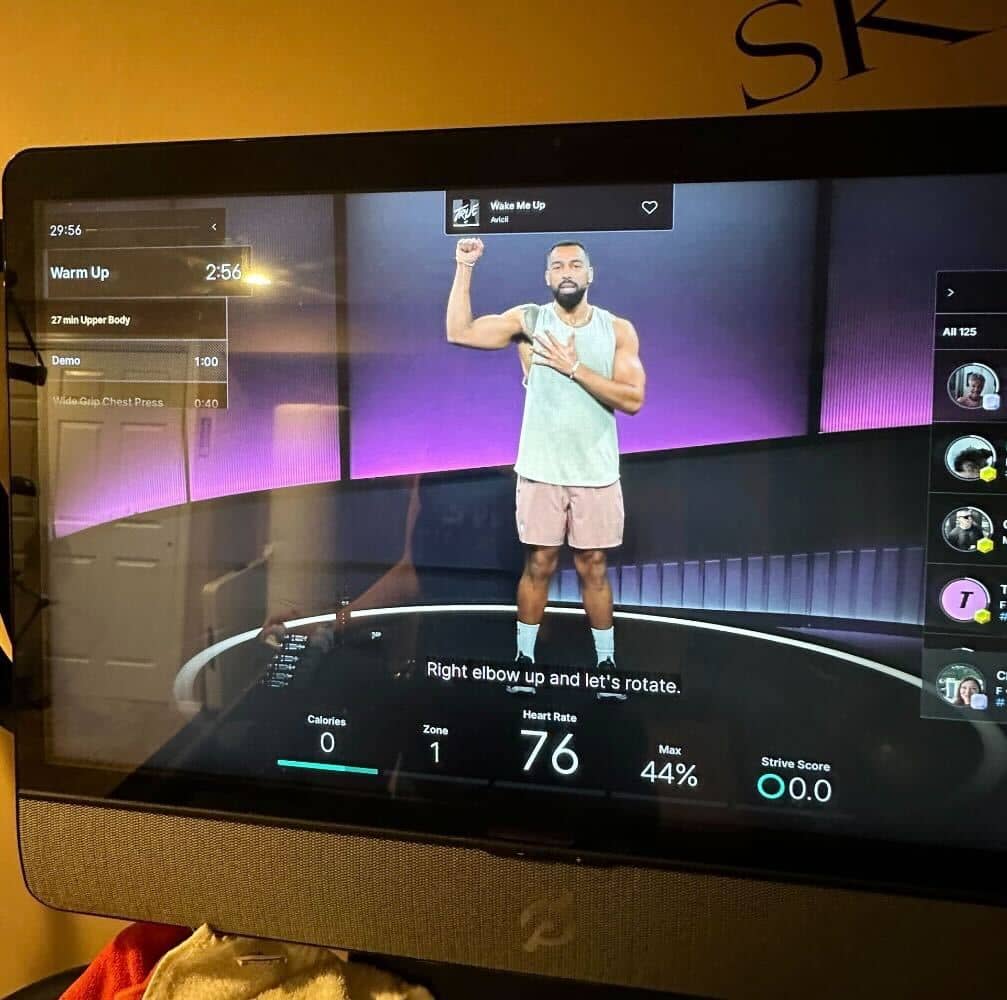
The update changes how Peloton Tread+ music details are surfaced during classes. Instead of tapping a dedicated on-screen button to view the current track, song titles and artist information now briefly slide down from the top of the display when a new track begins.
For members who regularly discover new songs during runs, the adjustment alters where and when Peloton Tread+ music information appears.
What Changed With Peloton Tread+ Music
The new Peloton Tread+ music display appears to be adapted from the interface originally introduced on the Peloton Guide. As Peloton works to unify its software experience across devices, elements of that layout have gradually migrated to Bikes, Bike+, Tread, Tread+, and Row.
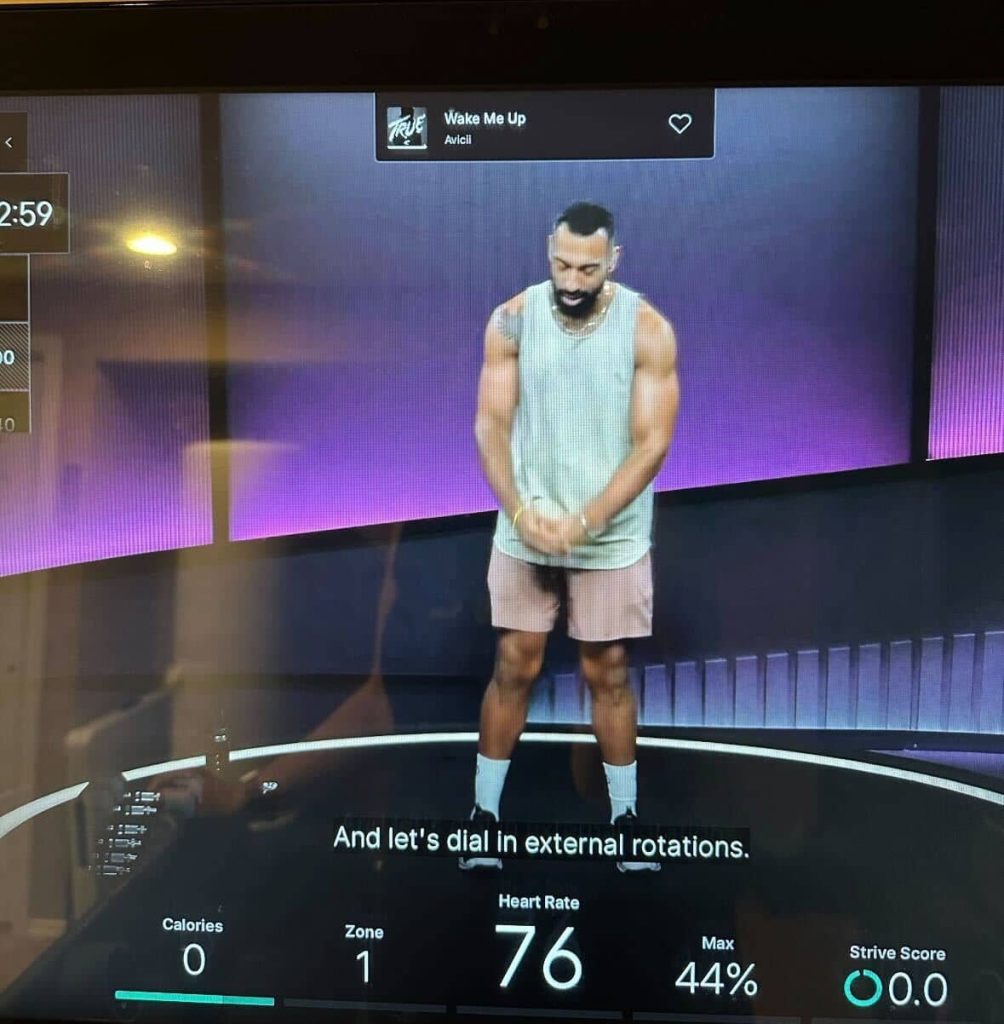
With the update, Peloton Tread+ music details appear automatically when a new song begins playing. The notification remains on screen for only a few seconds before sliding away, leaving the workout display unchanged for the rest of the track.
Previously, members could tap the music icon at any time during a class to view the current song.
Part of Peloton’s Expanding Class Plan Feature
The Peloton Tread+ music change is closely tied to the broader rollout of the platform’s class plan feature.
The class plan window displays the current exercise highlighted in yellow, along with a segment timer and a preview of upcoming movements. Originally launched for the Guide, Peloton has spent the past several months expanding the feature across its hardware lineup. As previously reported by The Clip Out, the feature is now rolling out to Bikes, Bike+, Treads, Tread+, and Rows, giving members an at-a-glance roadmap of their workout during class.
To make room for that window on the screen, the interface has been reorganized. As a result, Peloton Tread+ music information has shifted away from a consistent button and toward the temporary top-of-screen notification.
The change reflects Peloton’s ongoing push to standardize how workout information is displayed across its ecosystem.
What Happened to the Peloton Music Button
One of the most noticeable aspects of the update is the disappearance of the dedicated music button.
However, members have discovered a workaround. If you double tap the top middle of the screen, the Peloton Tread+ music information will reappear, allowing you to see the song and artist again during the workout.
If members miss the brief notification and do not use the double tap feature, the other way to find the song later is by opening the class details page or viewing the playlist in the Peloton app after the workout.
For runners in the middle of an interval or sprint, that small window can be easy to miss.
Early Member Feedback on Peloton Tread+ Music Change
Initial reactions to the Peloton Tread+ music update appear mixed among members discussing the change online.
Some users say the streamlined display keeps the workout screen cleaner and aligns with the newer class plan interface appearing across devices. Others note that the short appearance window for Peloton Tread+ music makes it harder to capture songs they want to revisit later.
Music discovery has long been a major part of the Peloton experience, with many members saving tracks from classes to personal playlists after workouts. Because of that, even small changes to how Peloton Tread+ music is displayed can affect how easily members interact with the soundtrack of their training sessions.
How Members Can Share Feedback
Peloton has not issued a standalone announcement specifically about the Peloton Tread+ music change. Instead, the update appears to be one element of the broader class plan rollout that continues reaching more devices.
Members who would like to see adjustments to the Peloton Tread+ music display can submit feedback through the company’s Member Request form on Peloton’s support website.
As Peloton continues refining its workout interface, member feedback has historically influenced future tweaks and updates.
For now, Tread+ runners may simply need to keep an eye on the top of the screen when the next song starts.
Have you noticed the new Peloton Tread+ music display during your workouts, and do you prefer it over the old music button?
The Clip Out is an independent Peloton news site with reporting, analysis, and community insights. We deliver breaking updates, feature reporting, and expert context on the stories driving the community and the industry.
Our weekly podcast offers deeper conversation and perspective, and you can find us on Apple Podcasts, Spotify, iHeart, TuneIn, and YouTube Music. You can also follow us on our socials on Facebook, Threads, Instagram, BlueSky, and YouTube.
See something in the Peloton universe that you think we should know? Visit us at theclipout.com and submit a tip.
About the Author: Jen Kern






Subscribe
Keep up with all the Peloton news!